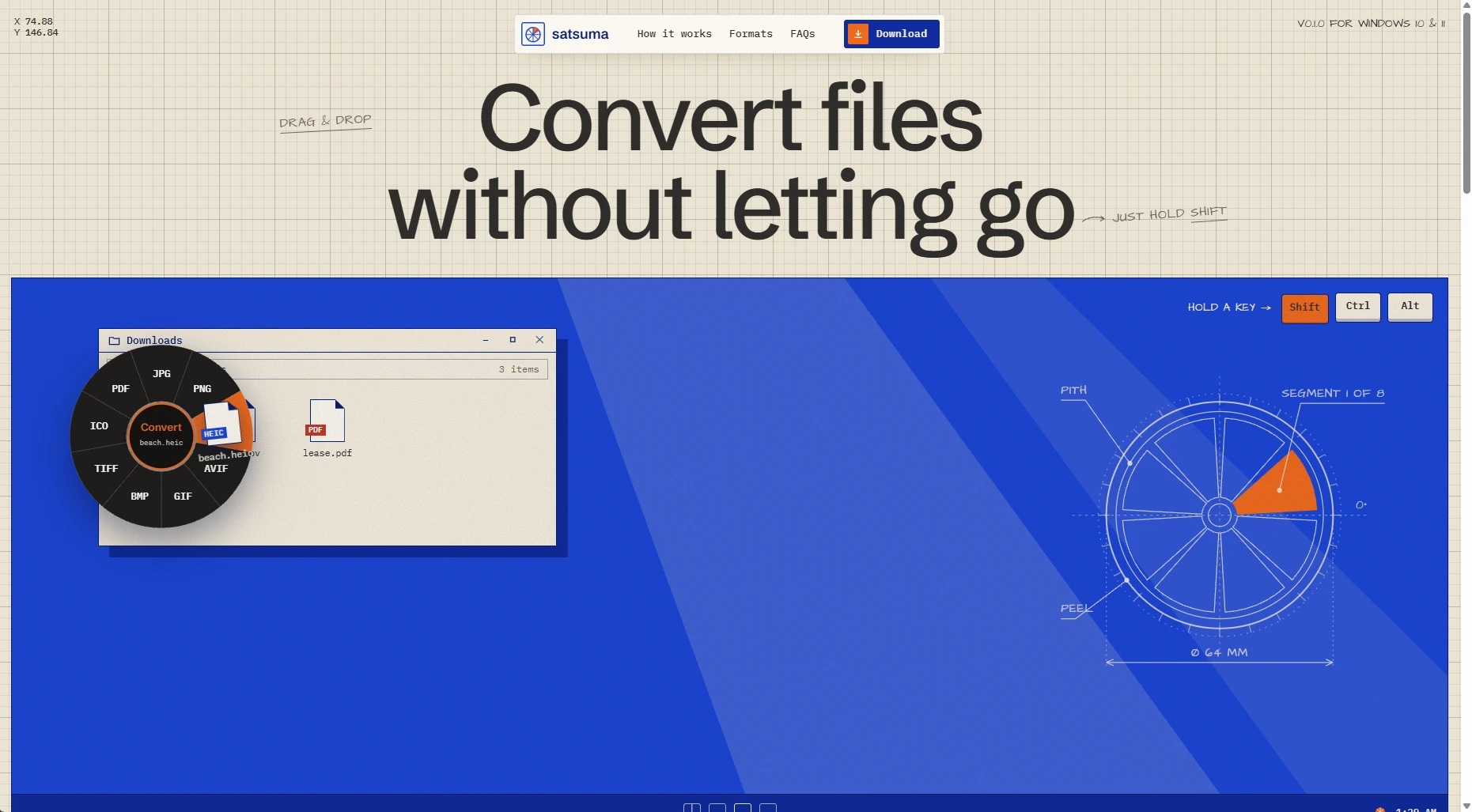
Satsuma is a file converter that lives under your cursor on Windows. Drag a file, hold a key, and a little wheel pops up. Drop the file on a slice and the result shows up next to the original.
Shift converts it to another format (images, video, audio, PDFs and subtitles), Ctrl opens tools like compress, resize, merge and zip, and Alt opens actions like copy path, share and a floating shelf. Everything runs on your PC, so nothing gets uploaded anywhere.
I loved Tangerine on the Mac and wanted the same thing on Windows, so I rebuilt the idea from scratch. Satsuma isn't affiliated with Tangerine or LEAP STUDIO.
- Websitesatsumaforwindows.vercel.app
- PlatformWindows 10 and 11
- StackC#, .NET 10, WPF
- Built withMagick.NET, FFmpeg, PDFsharp, SharpCompress